A study tracker for students
Know what to study next, not just how long you studied.
Nayla locks your distracting apps while you study, asks how well you understood each lesson, and uses your answers to tell you what to revise.
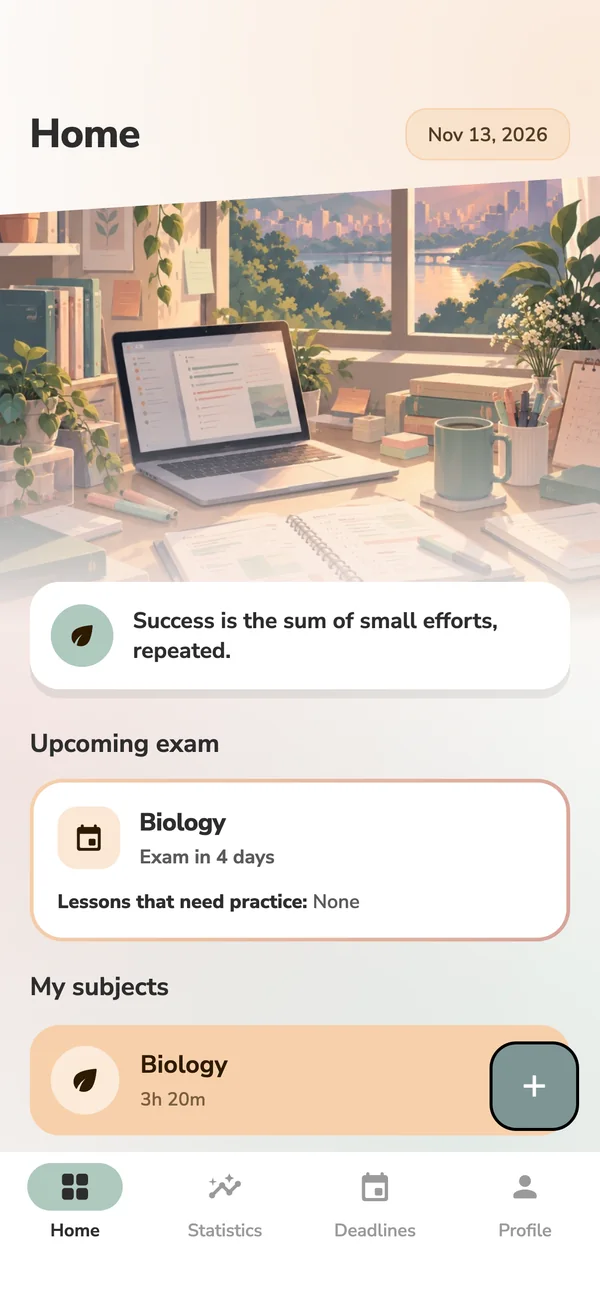
Sound familiar?
You sit down to study, and the phone wins.
- The phone pulls you away.
One notification, one quick scroll, and half an hour is gone.
- You don’t know where your time goes.
It felt like a whole evening of studying. Was it?
- You never know what to revise.
Hours re-reading what you already know, while the hard lesson waits.
How it works
Four steps, every session.
-
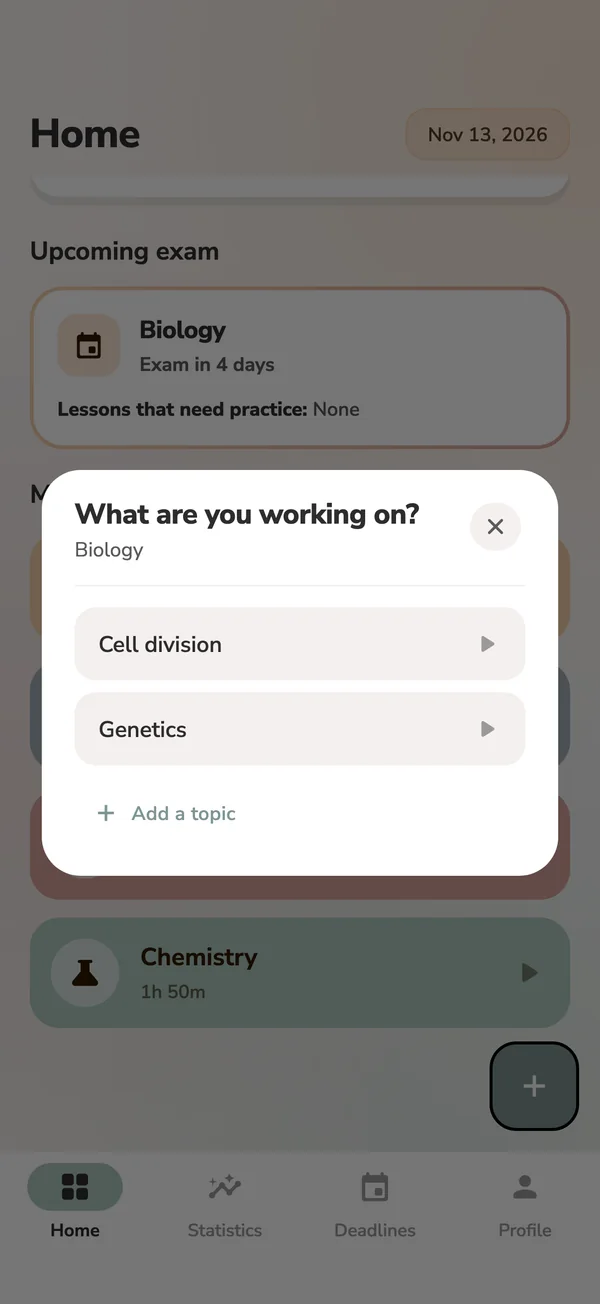
Pick a lesson
Choose a subject and the lesson you’re working on.
-
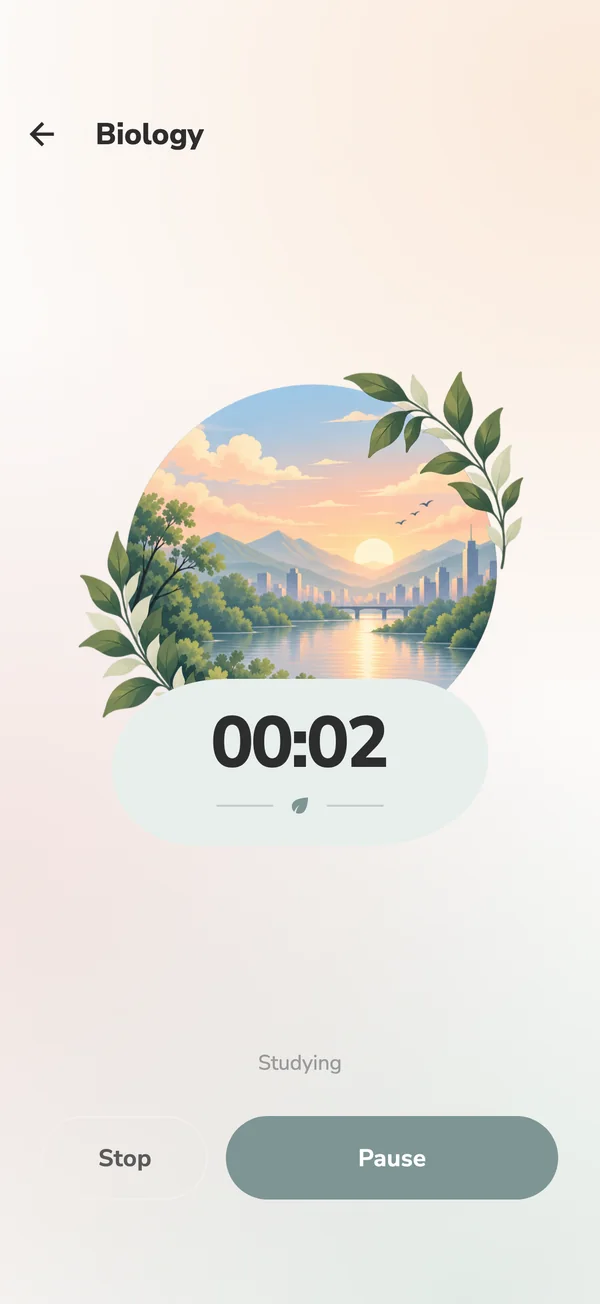
Start the timer
Apps you chose are locked until the session ends.
-
How well do you understand Genetics now?
Not at allNot muchOkayWellVery wellSay how it went
One honest tap, from “Not at all” to “Very well”.
-
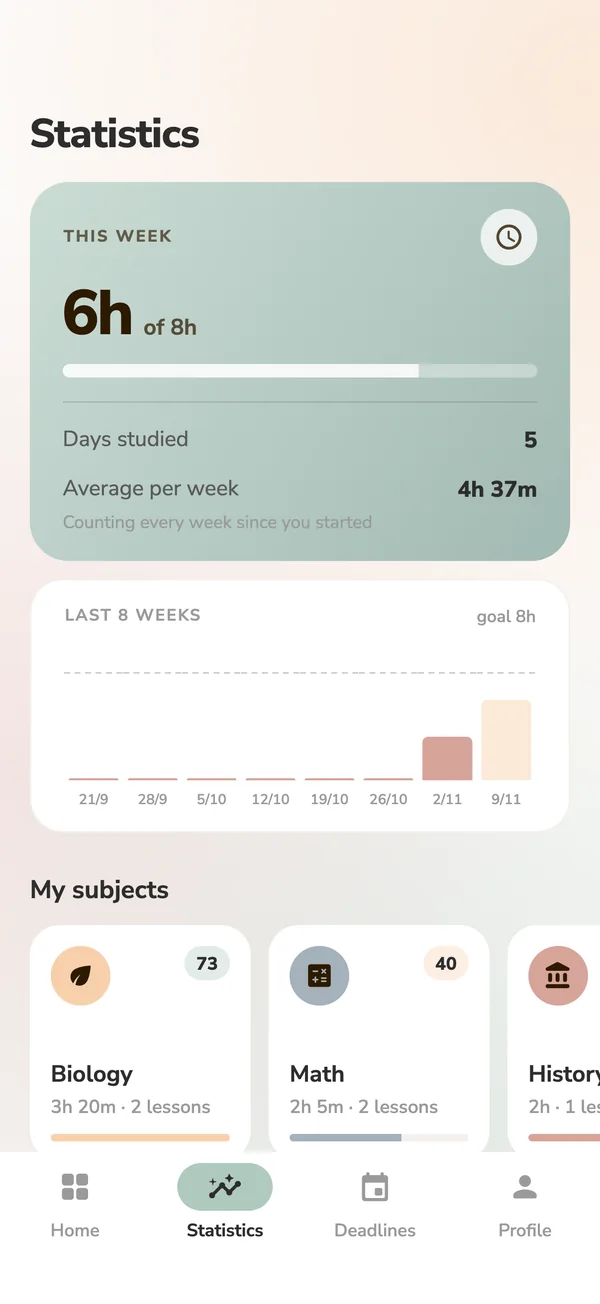
Know what’s next
Every lesson gets a score, and the shakiest one is a tap away.
Features
Everything it does, and why.
App blocking
Choose the apps that steal your evenings: Instagram, TikTok, games. While a session runs, opening one shows a “back to studying” screen instead. It stops the moment you finish.
Focus timer
Count up, or count down from a length you choose. It keeps going even if your phone restarts.
Lesson scores
Each lesson is Strong, Good, Okay, Shaky or Struggling, based on your own answers.
Needs practice
Nayla always knows the one lesson worth going back to, and starts it in one tap.
Weekly goal
Hours per week, eight weeks of history, and a recap every Monday. No streaks, so a rest day never wipes out your progress.
Deadlines
Exams, assignments and projects on a calendar. Each exam shows the lessons still shaky in that subject.
Statistics
Time and scores for every subject, and a trend that shows whether you’re studying more than last month.
Home screen widgets
This week’s progress, your to-do list, the next exam, and the lesson that needs practice, in colours you pick.
Gentle reminders
A daily nudge at the time and on the days you choose, and a second one only if you haven’t started.
Archive
Finished a course? Archive the subject. It leaves Home, and its hours stay in your statistics.
Works offline
Study anywhere. Everything syncs across your phones when you’re back online.
Themes
Five cozy study desks to choose from.
Each theme has its own illustrations on the home screen and the timer, in light and dark.
 Sage
 Cookie
 Blush
 Frost
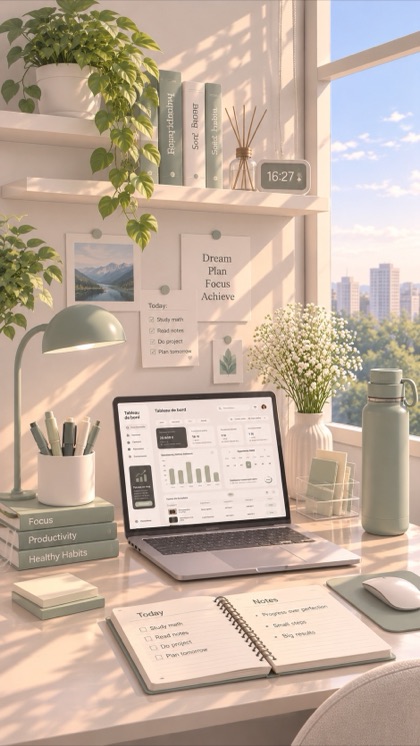 Olive
On purpose
What Nayla doesn’t do.
A study app shouldn’t become one more thing competing for your attention.
- No ads
- No streaks
- No leaderboards
- No social feed
- No AI
- No tracking
Questions
Frequently asked
When can I get Nayla?
Nayla is in testing now and coming soon to Google Play. This page will link to it as soon as it’s out.
Is it on iPhone?
Not yet. Nayla is Android first, because app blocking works best there. An iPhone version is planned.
Does it cost anything?
Nayla has a membership, bought inside the app through Google Play. The price and any trial are shown before you pay, and you can cancel any time in Google Play.
Can Nayla see what I do in other apps?
No. To block apps, Nayla checks which app is open and compares it with your own list. That’s all. It’s never stored or sent anywhere. The privacy policy explains exactly what is kept.
Does it need the internet?
Only to sign in the first time and to sync. Everything else works offline, and your changes upload when you’re back online.
How do I delete my account?
In the app, go to Profile → Settings → Delete account. If you can’t sign in any more, here’s how to ask us instead.
Something isn’t working. Who do I tell?
Email atharlabs.apps@gmail.com. Tell us your phone model if you can.
Study time that turns into learning.
Coming soon to Google Play.
COMING SOON TOGoogle Play